Back to Blog
Growth Engineering Case Study

From Enquiry to Enrollment: Creating a Smoother Student Journey

VR
Vrinda Vijayan
September 10, 2026
1 min read
Image Credits - IMAGES CREDITS: PEXELS

For an academy, getting a new student does not begin with the first class. It often starts much earlier with a course enquiry.

A student may ask about a course today, choose a batch next week and complete enrollment a few days later. During that time, the academy needs to keep track of the student's interest, course selection, preferred schedule and enrollment status.

When these details are handled separately, even a simple process can become difficult to manage.

Start With the Student's Interest

A new enquiry usually comes with a specific requirement.

Someone may be looking for a weekend coding course. Another student may want an evening language class. A parent may be enquiring about tuition for a particular grade.

Recording the course the student is interested in gives the academy a useful starting point.

For example:

Student: Anu

Interested in: Python Course

Preferred: Weekend Batch

Status: Interested

If Anu is not ready to enroll immediately, the academy still has the information needed for a later follow-up.


For an academy, getting a new student does not begin with the first class. It often starts much earlier with a course enquiry.

A student may ask about a course today, choose a batch next week and complete enrollment a few days later. During that time, the academy needs to keep track of the student's interest, course selection, preferred schedule and enrollment status.

When these details are handled separately, even a simple process can become difficult to manage.

Start With the Student's Interest

A new enquiry usually comes with a specific requirement.

Someone may be looking for a weekend coding course. Another student may want an evening language class. A parent may be enquiring about tuition for a particular grade.

Recording the course the student is interested in gives the academy a useful starting point.

For example:

Student: Anu

Interested in: Python Course

Preferred: Weekend Batch

Status: Interested

If Anu is not ready to enroll immediately, the academy still has the information needed for a later follow-up.


Connect the Course With the Right Batch

The next step is helping the student find a suitable batch.

This becomes more important when an academy runs the same course at different times.

For example, a Python course might have:

  1. Weekday morning batch
  2. Weekday evening batch
  3. Saturday–Sunday batch

Instead of treating the course and batch as separate pieces of information, connecting them makes the enrollment process easier to manage.

The student knows where they are joining, while the academy knows which batch they belong to.

Keep Enrollment Information Together

Once the student confirms, there are usually several details to handle — student information, selected course, batch and enrollment status.

If these details are spread across different spreadsheets or conversations, administrators may have to check several places before making a simple update.

Keeping the information connected makes it easier to move from:

Interested → Confirmed → Enrolled → Assigned to Batch

This also gives the academy a clearer picture of newly enrolled students.


A Realistic Example

Imagine an academy has three new students interested in a digital marketing course.

One wants the weekday evening batch.

Another prefers weekends.

The third student is still deciding.

If all three are simply stored under “Digital Marketing Enquiries,” it becomes harder to know what needs to happen next.

A better setup keeps their current status visible:

StudentCoursePreferred BatchStatus
AnuDigital MarketingEveningEnrolled
RahulDigital MarketingWeekendConfirmed
MeeraDigital MarketingWeekendInterested

Now the team can immediately see who has joined, who is ready to join and who may need a follow-up.

Keep the Process Simple for Students

Students should not have to repeat the same information at every stage.

Once they have selected a course and confirmed a batch, the next steps should be clear.

A simple journey can be:

Enquiry → Course Selection → Batch Selection → Enrollment → First Class

The smoother this transition is, the easier it is for both the student and the academy team.

Where Batchwise Helps

This is where an academy management platform can make a practical difference.

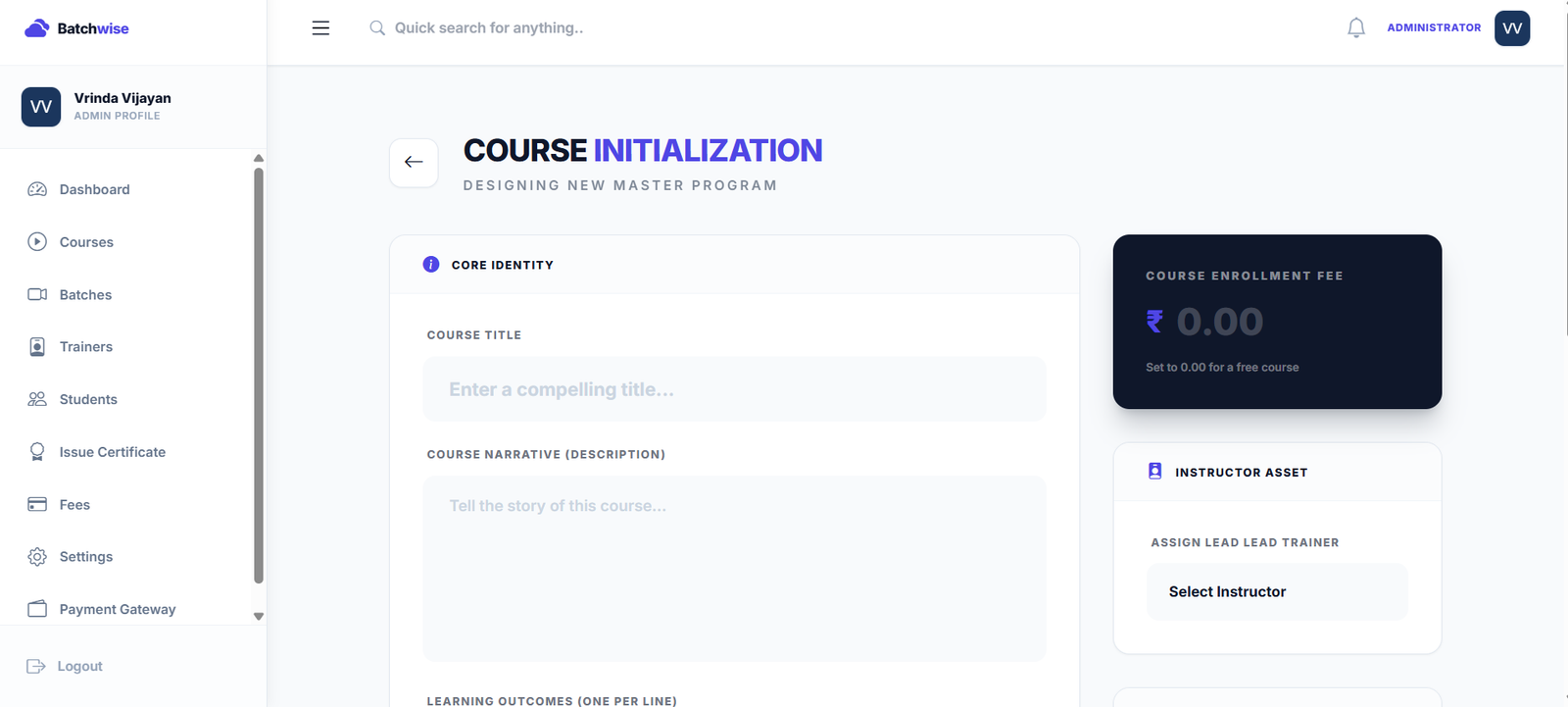
Batchwise helps academies manage students, courses and batches in a connected system. Instead of keeping student and batch information in separate places, administrators can manage these details as part of their regular academy workflow.

For an academy handling multiple courses and batches, this can make it easier to keep track of who has enrolled, which course they selected and where they have been assigned.

The goal is not to add another complicated process. It is to keep the existing process easier to follow.

The Journey Does Not End at Enrollment

Enrollment is an important milestone, but it is also the point where a new student's learning experience begins.

Once the student is assigned to the right course and batch, the academy can move on to the next steps classes, learning resources, assessments and ongoing student support.

When the information from the beginning is already in place, these later activities become easier to manage too.

Conclusion

A student's journey from first enquiry to first class involves several small decisions.

Keeping those steps connected can prevent missed follow-ups, incorrect batch assignments and unnecessary administrative work.

For academies, a good enrollment process is not about making things complicated. It is about making sure that the right student gets into the right course and the right batch with as little confusion as possible.

Make student enrollment easier to manage with Batchwise. Keep your students, courses and batches connected and give every new learner a smoother start.

Author
VR

Vrinda Vijayan

Lead Trainer

Author for Batchwise Blog. Sharing premium blueprints and operational workflows to scale academies.

Ready to grow your academy?

Streamline attendance, manage fees, run interactive quizzes, and launch premium courses effortlessly.