Starting an online academy is usually straightforward. With a few courses, a small group of students, and one or two trainers, everyday tasks can be handled with simple tools like spreadsheets, WhatsApp, and Zoom or Google Meet.
As the academy grows, though, those same tools can become harder to manage.
You might have several batches running at once, different trainers teaching different courses, students attending live classes, and payments coming in on different schedules. Course materials may be saved in one place while attendance and student details are kept somewhere else.
None of this seems like a big problem on its own. Together, however, it can make simple administrative tasks take much longer than they should.
Back to Blog
Growth Engineering
Case Study
How to Manage an Online Academy: A Simple Guide to Organising Courses, Students and Payments
VR
Vrinda Vijayan
September 03, 2026
1 min read

Image Credits - IMAGES CREDITS: PEXELS
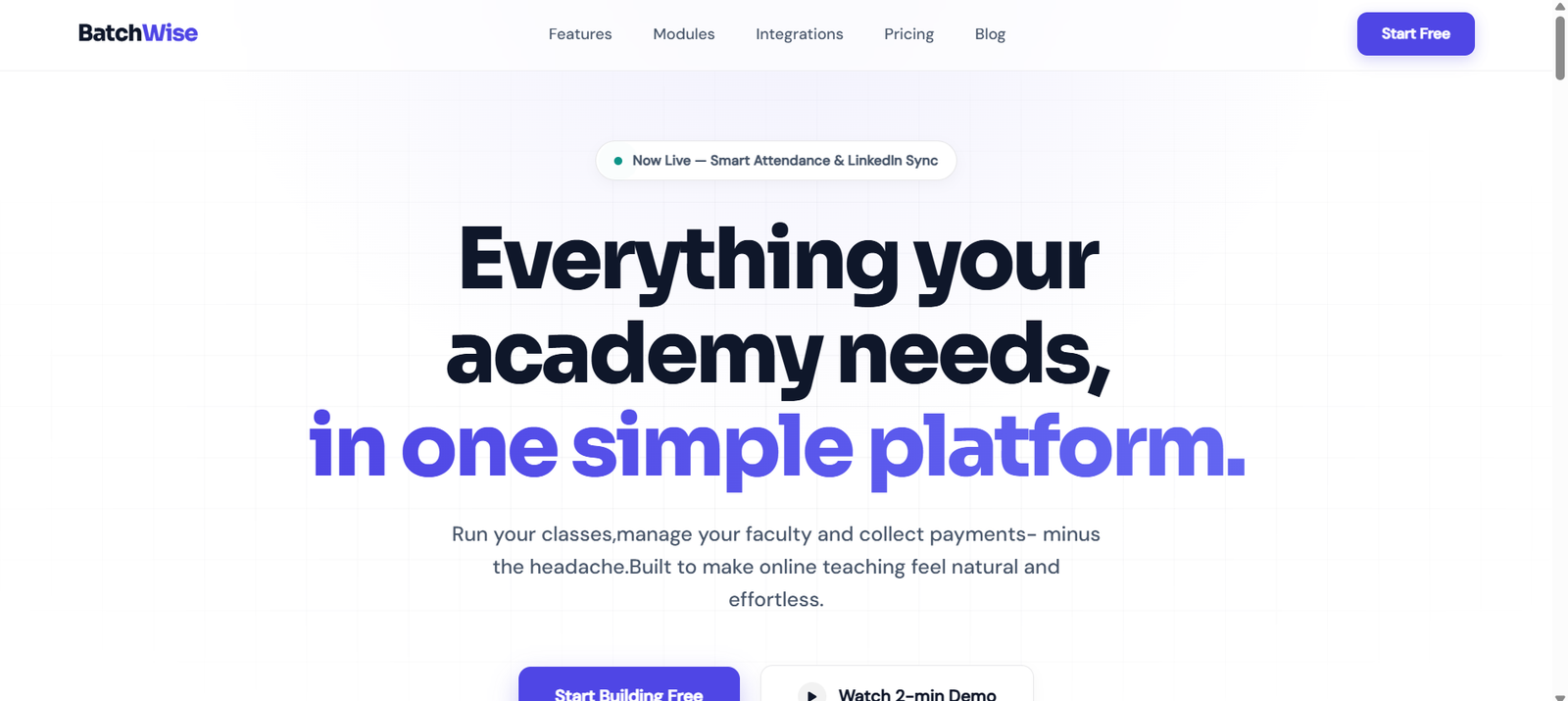
Starting an online academy is usually straightforward. With a few courses, a small group of students, and one or two trainers, everyday tasks can be handled with simple tools like spreadsheets, WhatsApp, and Zoom or Google Meet.
As the academy grows, though, those same tools can become harder to manage.
You might have several batches running at once, different trainers teaching different courses, students attending live classes, and payments coming in on different schedules. Course materials may be saved in one place while attendance and student details are kept somewhere else.
None of this seems like a big problem on its own. Together, however, it can make simple administrative tasks take much longer than they should.
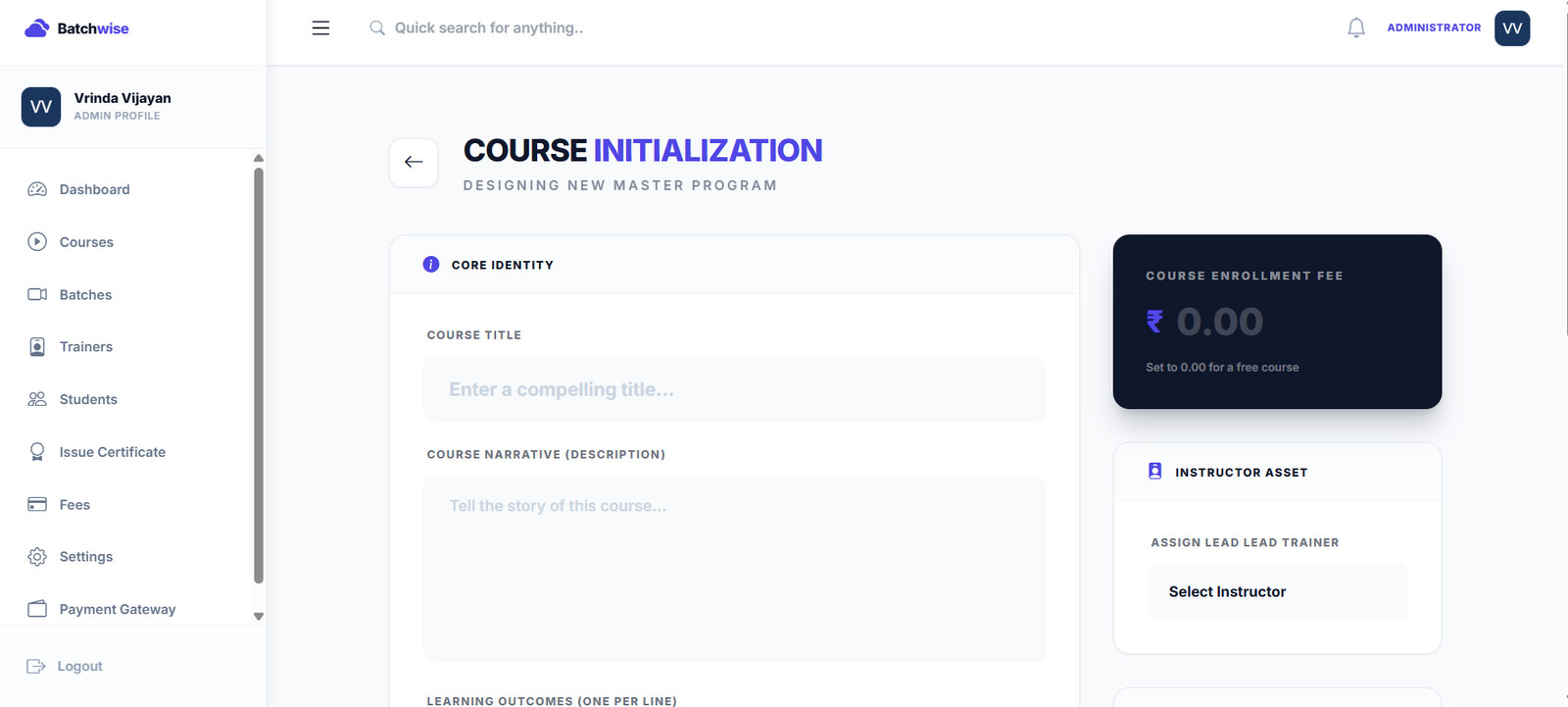
- Keep Course Information Easy to Find
A course usually involves more than a course name and a description. There are trainers, fees, schedules, videos, PDFs, and other learning materials to keep updated.
When these details are kept together, trainers and administrators don't have to search through different files whenever they need something.
It also makes things easier for students. They can find the information and resources related to their course without having to ask where something has been shared.
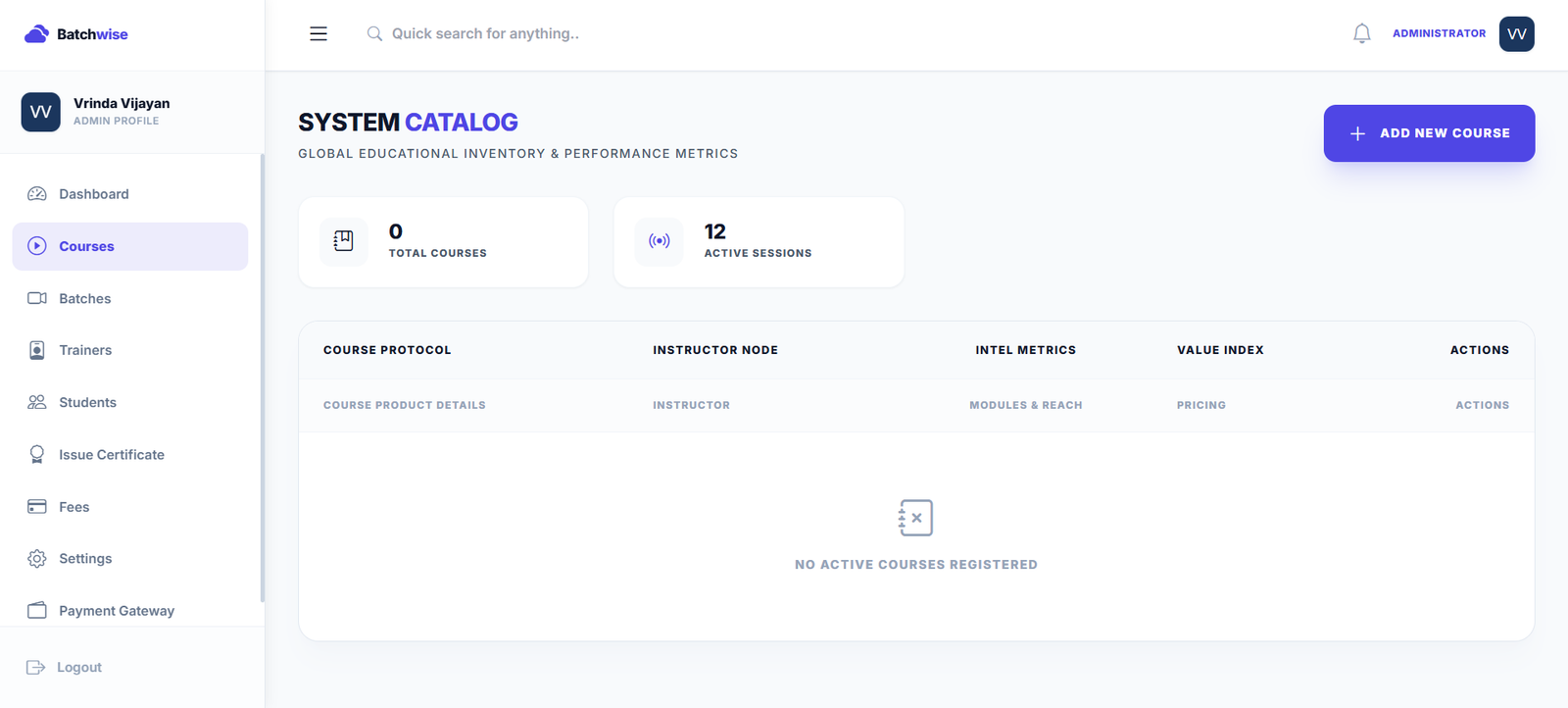
- Keep Students, Trainers and Batches Connected
Managing one batch is fairly easy. Managing several at the same time is a different story.
A trainer might teach more than one batch, and students may have different schedules depending on the course they are taking. When this information is spread across separate spreadsheets, keeping it accurate becomes another job for the admin team.
Having student, trainer, course, and batch information connected makes it much easier to see who belongs to which batch and what they need to access.
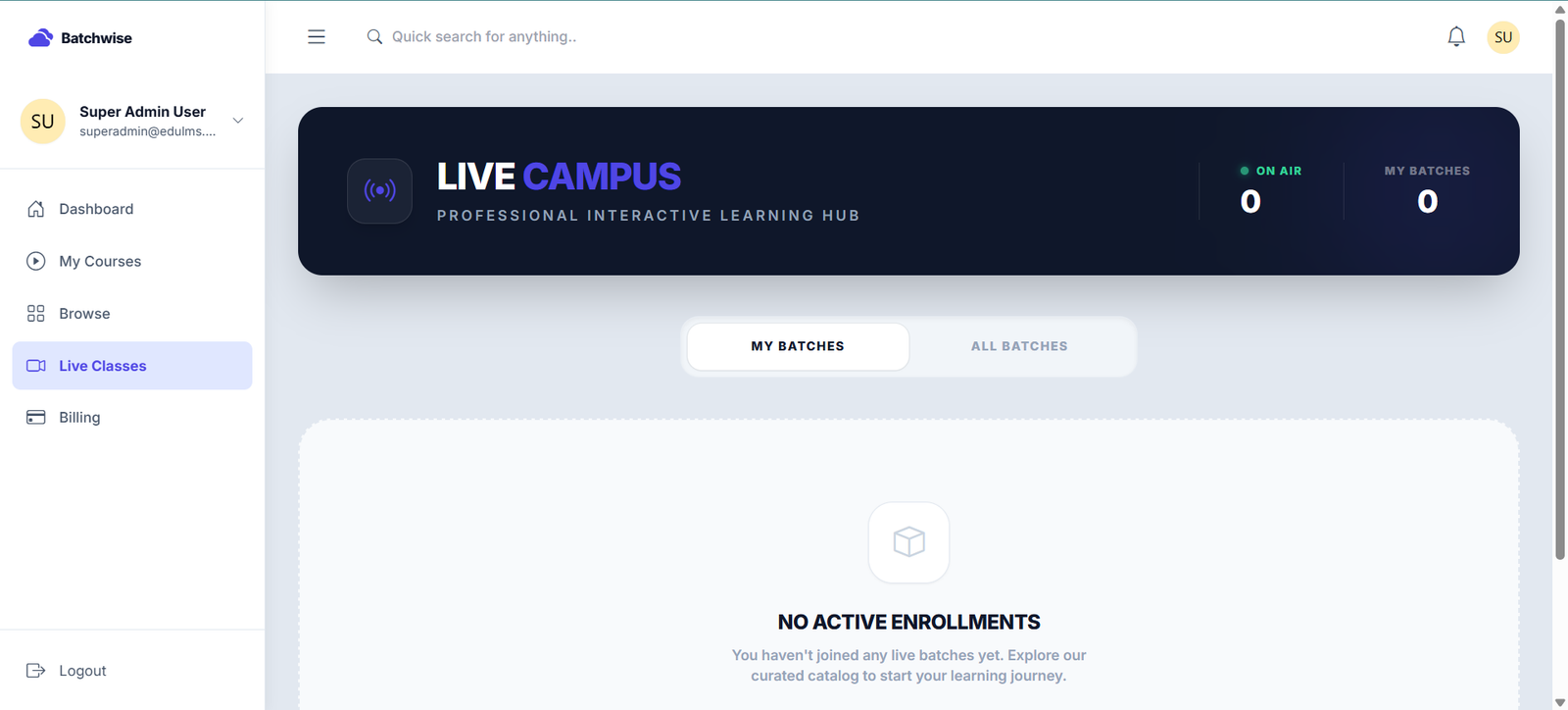
- Make Live Classes Easier to Handle
There is more to running an online class than creating a meeting link.
Students need to know when the class is happening and how to join. Trainers need the correct batch details, and the academy may also need to keep attendance records or recordings for students who miss a session.
Batchwise connects live class management with the rest of the academy workflow and integrates with Zoom and Google Meet. This means class schedules and attendance don't have to be managed as completely separate tasks.
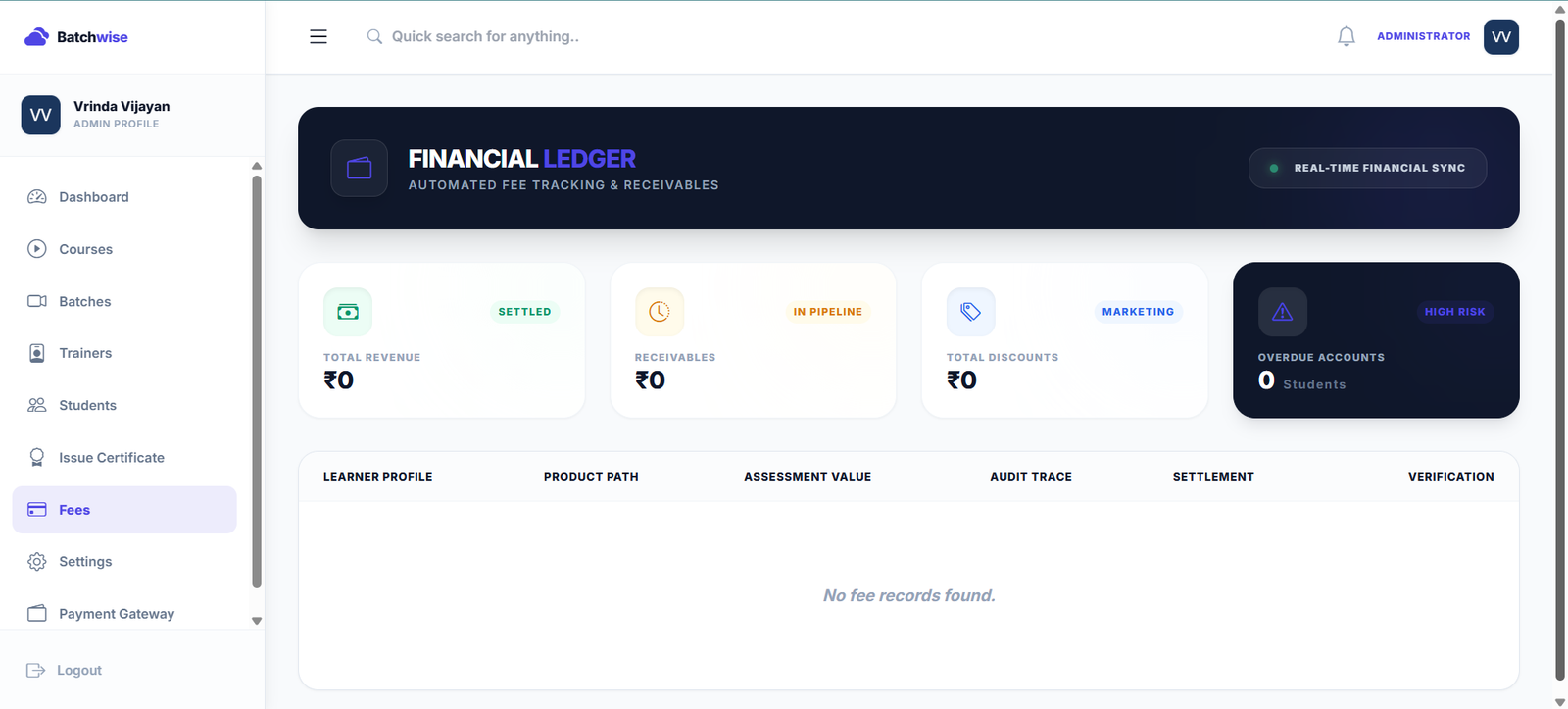
- Keep Track of Fees Without the Spreadsheet Hunt
Fee management can get messy once you have a larger number of students.
One student may have paid the full amount, another may be paying in instalments, while someone else may have an overdue payment. If these details are sitting in different spreadsheets, finding the current status of a student's payment can take time.
A centralised fee system makes this easier to follow.
Batchwise's Fee Hub brings payment records, receivables, discounts, overdue accounts, invoicing, and tutor revenue splits together, giving administrators a clearer view of the financial side of the academy.
- Attendance Isn't the Whole Picture
A student can attend every class and still struggle with a particular topic.
That's why assessments are useful alongside attendance. Short quizzes or module assessments can help trainers see what students have understood and where they may need more support.
Having assessments connected to the course also means trainers can review student performance without managing another separate system.
When Your Current Setup Starts Taking Too Much Time
You don't need to move everything into one platform just because your academy is growing.
But if your team is spending more time managing information than managing the academy itself, it is probably worth looking at the current process.
Some common signs are:
- Several spreadsheets are being used to manage the same students.
- Attendance has to be updated manually after classes.
- Payment follow-ups are becoming difficult.
- Students keep asking where to find course materials.
- Trainers use different methods to manage their batches.
- Finding basic information requires checking several platforms.
At this stage, bringing the important parts of the workflow together can make everyday management much easier.
Keep the Focus on Running the Academy
Managing an online academy comes with enough responsibilities already. Your team shouldn't have to spend unnecessary time moving information from one tool to another.
Courses, students, trainers, batches, classes, attendance, fees, and assessments are all part of the same student journey. Keeping them connected gives everyone a clearer view of what is happening.
Batchwise brings these core areas together in one platform, helping academies manage their day-to-day operations with less manual work.
Conclusion
An academy will naturally become more complex as it grows. The systems you use to manage it shouldn't make that growth harder.
If spreadsheets, messages, meeting tools, and separate records are starting to take too much time, it may be worth bringing your academy's main workflows into one place.
Good academy management isn't about using more tools. It's about making the work behind the learning simpler.
Author
VR
Vrinda Vijayan
Lead Trainer
Author for Batchwise Blog. Sharing premium blueprints and operational workflows to scale academies.
Ready to grow your academy?
Streamline attendance, manage fees, run interactive quizzes, and launch premium courses effortlessly.