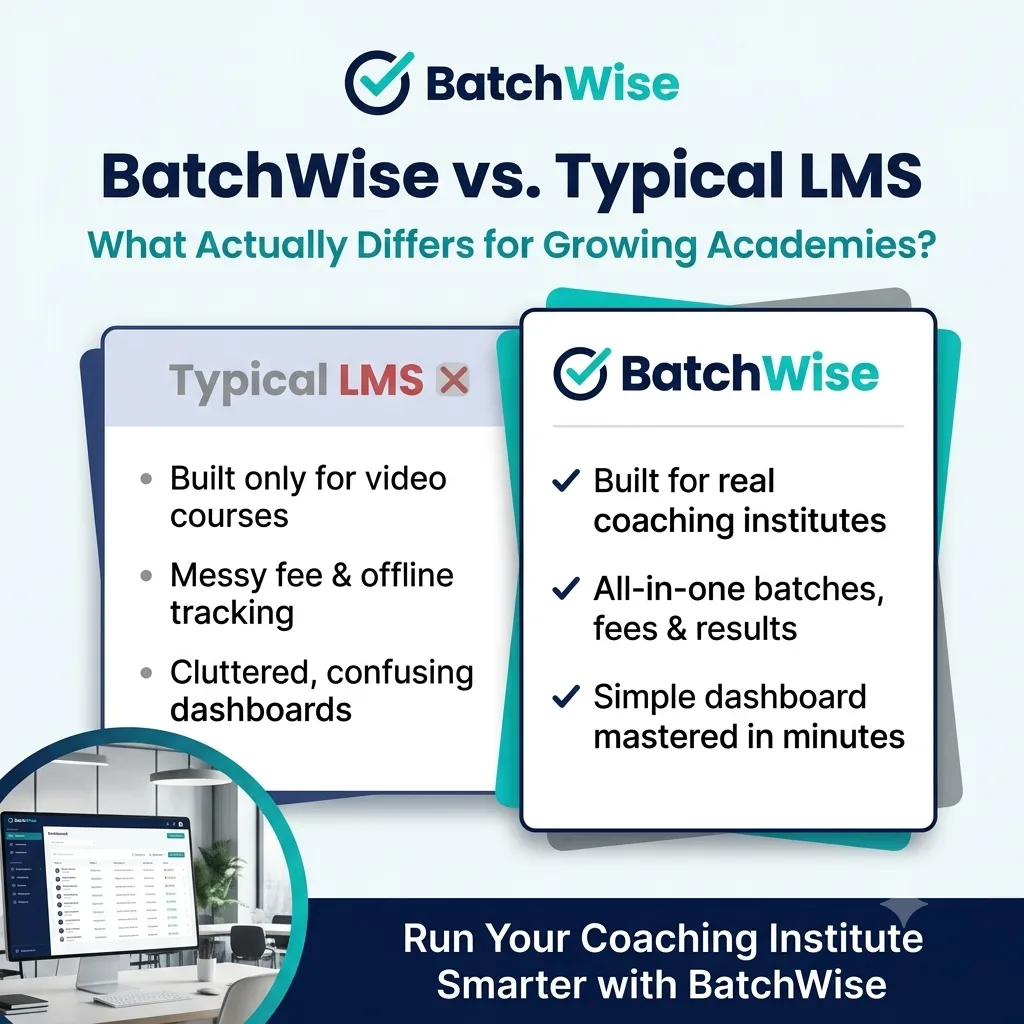

Managing a coaching institute, tuition center, or skill bootcamp with multiple instructors a lead trainer, co-tutors, or guest mentors quickly exposes the limits of spreadsheets. Formulas break, attendance gets pulled manually from chat logs, and monthly instructor payout math becomes slow and error-prone.
Using a dedicated platform like Batch Wise keeps batch management, live sessions, student progress, fee collection, and revenue sharing in one place.
Where Spreadsheets Break Down
- Role & Batch Access: Co-tutors often need access to specific batches, tests, or schedules without seeing unrelated records or admin settings.
- Attendance Tracking: Matching live session participants against enrolled batch rosters manually takes extra time after every class.
- Fee & Payout Math: Calculating tuition payments, GST receipts, and percentage shares across the academy, lead trainer, and co-tutors in separate sheets invites mistakes.
- Student Experience: Learners lose time hunting through chat threads for class links, study material, quiz scores, and certificates instead of using a single portal or mobile app.
1. Set Up Multi-Tutor Batches and Roles
Separate Admin, Tutor, and Student workspaces supported across web, iOS, and Android apps so each group sees only what it needs.
- Assign multiple instructors to a batch and define clear permissions for co-teaching workflows.
- Build structured lessons and assessments with Course Builder and Quiz Builder so every batch follows a consistent standard regardless of which co-tutor runs a doubt or practice session.
2. Connect Live Classes and Attendance
Whether your sessions run on Zoom or Google Meet, tying scheduling and attendance directly to each batch removes manual follow-ups.
- Schedule and manage sessions cleanly through Live Classes.
- Track batch attendance automatically with Smart Attendance so you can spot drop-offs early without exporting chat logs by hand.
3. Automate Fee Collection and Revenue Splits
Manual revenue split sheets cause delays and friction at payout time.
- Collect fees directly with 0% platform commission using payment options like Razorpay, PhonePe, UPI, Stripe, and PayPal, along with GST receipt support.
- Manage enrollments, payments, and shared revenue breakdowns such as Academy, Lead Trainer, and Co-Tutor shares through Fee Hub rather than recalculating sheets every month.
4. Issue Certificates and Scale Plans
Course completion certificates with LinkedIn certificate sharing give students clear proof of progress and add credibility to your program.
As your academy grows, pick a Batch Wise plan that matches your student count, trainer team, storage, and live classes starting with Free ($0/mo), then Starter ($19/mo), Growth ($49/mo), or Academy ($99/mo), or move to a custom Enterprise setup with a White-Label LMS, custom domain, and dedicated server.